



How to Bypass Antigravity Limits Using Antigravity Manager: Complete Guide

Stop paying $250/month for Ultra when you can rotate multiple free accounts and code without interruptions.
Google’s Antigravity IDE is powerful but comes with frustrating limits. The 7-day lockouts, quota errors, and “generous” limits that run out in 2-3 prompts have made it nearly unusable for serious developers. But there’s a free, open-source solution that changes everything: Antigravity Manager.
What You’ll Learn
- Why Antigravity limits exist and how the dual-quota system actually works
- How Antigravity Manager rotates accounts automatically to give you unlimited access
- Step-by-step setup guide for Windows, Mac, and Linux
- Real strategies to avoid the 7-day lockout that kills productivity
- How to use the local API proxy with Claude Code and other tools
Why Antigravity Limits Are Broken
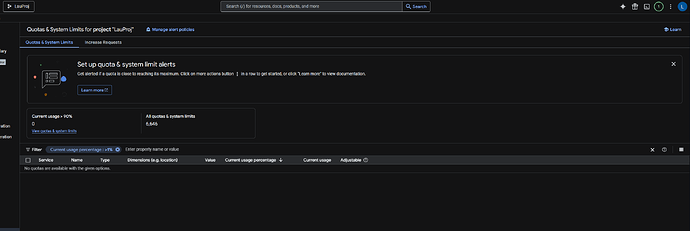
Google changed the rules in March 2026. What used to be a simple 5-hour refresh turned into a dual-limit nightmare. Now you have a 250-unit sprint limit that refreshes every 5 hours, plus a 2,800-unit weekly baseline cap .
Hit that weekly cap on day one, and you’re locked out for 7 days. The 5-hour timer keeps resetting to give you false hope, but nothing works until the weekly cycle clears. Pro users paying $20/month face the same limits as free users .
- Claude Opus burns quota 8x faster than Sonnet
- Background indexing eats tokens even when idle
- Cross-model lockout hits all models at once
💡 The Real Problem: Google quietly shifted from a single-reset model to a “Hybrid Quota System” that most users never agreed to. The AI Credits toggle in v1.20.5 made things worse, causing instant lockouts for many Pro subscribers .
How Antigravity Manager Solves This
Antigravity Manager is a free open-source tool built by Draculabo that manages multiple Google accounts and switches between them automatically when one hits its limit .
Instead of waiting 7 days, you simply add 5-10 Google accounts to the manager. When Account A runs out of quota, it instantly switches to Account B. When B runs out, it moves to C. By the time you cycle through all accounts, Account A’s quota has refreshed.
The tool includes AES-256 encryption, real-time quota monitoring, and a built-in API proxy that works with Claude Code, OpenCode, and any OpenAI-compatible client .
Setup Guide: Get Unlimited Access in 5 Steps
Follow these exact steps to set up Antigravity Manager and start bypassing limits today.
- Download and Install — Get the latest release from the GitHub releases page. Available for Windows, macOS, and Linux.
- Add Your First Account — Click “Add Account” and use OAuth 2.0 to connect your Google account. The tool will automatically detect if it’s a Gemini or Claude account.
- Build Your Account Pool — Add 5-10 Google accounts (free accounts work fine). The manager supports unlimited accounts and shows real-time quota for each .
- Enable Auto-Switching — Go to Settings and turn on “Intelligent Auto-Switching.” Set the threshold to 5% so it switches before hitting the hard limit.
- Start the API Proxy — Click “Start Service” in the API Proxy tab. Use
http://127.0.0.1:8045/v1as your base URL in any AI coding tool.
Real-World Usage: Does It Actually Work?
Yes, but with caveats. The tool works by rotating through multiple accounts, which means you need to manage several Google accounts. Each account gets its own separate quota pool, so 5 free accounts = 5x the quota .
However, Google has started tracking hardware IDs and may link accounts from the same machine. Some users report that when one account gets limited, others follow shortly after . To avoid this:
- Use different browsers or profiles for each account
- Enable per-account proxy settings in the manager
- Space out your usage instead of burning through all accounts in one day
Common Mistakes People Make
- Using the same IP for all accounts — Google tracks IP addresses. Use residential proxies or VPN switching for each account to avoid linking.
- Not enabling quota protection — The manager has a quota protection feature that stops usage below 10%. Enable it to avoid hard lockouts.
- Ignoring the weekly cap — Even with rotation, if you burn through all accounts in 2 days, you still wait 5 days. Pace yourself.
- Using AI Credits — The AI Credits system in v1.20.5 is buggy and causes double-counting. Keep it disabled unless you enjoy surprise lockouts .
⚡ Pro Tips That Actually Work
- Use Gemini Flash as your daily driver — it has separate quota pools and maintains 5-hour refresh even when Pro models lock
- Create a .antigravityignore file to stop background indexing from eating tokens on node_modules and build folders
- Downgrade to Antigravity v1.19.6 if possible — it doesn’t have the AI Credits toggle and has more predictable quota behavior
- Use the “wakeup” feature in antigravity-usage CLI to automatically trigger quota resets at optimal times
API Proxy: Connect to Any Tool
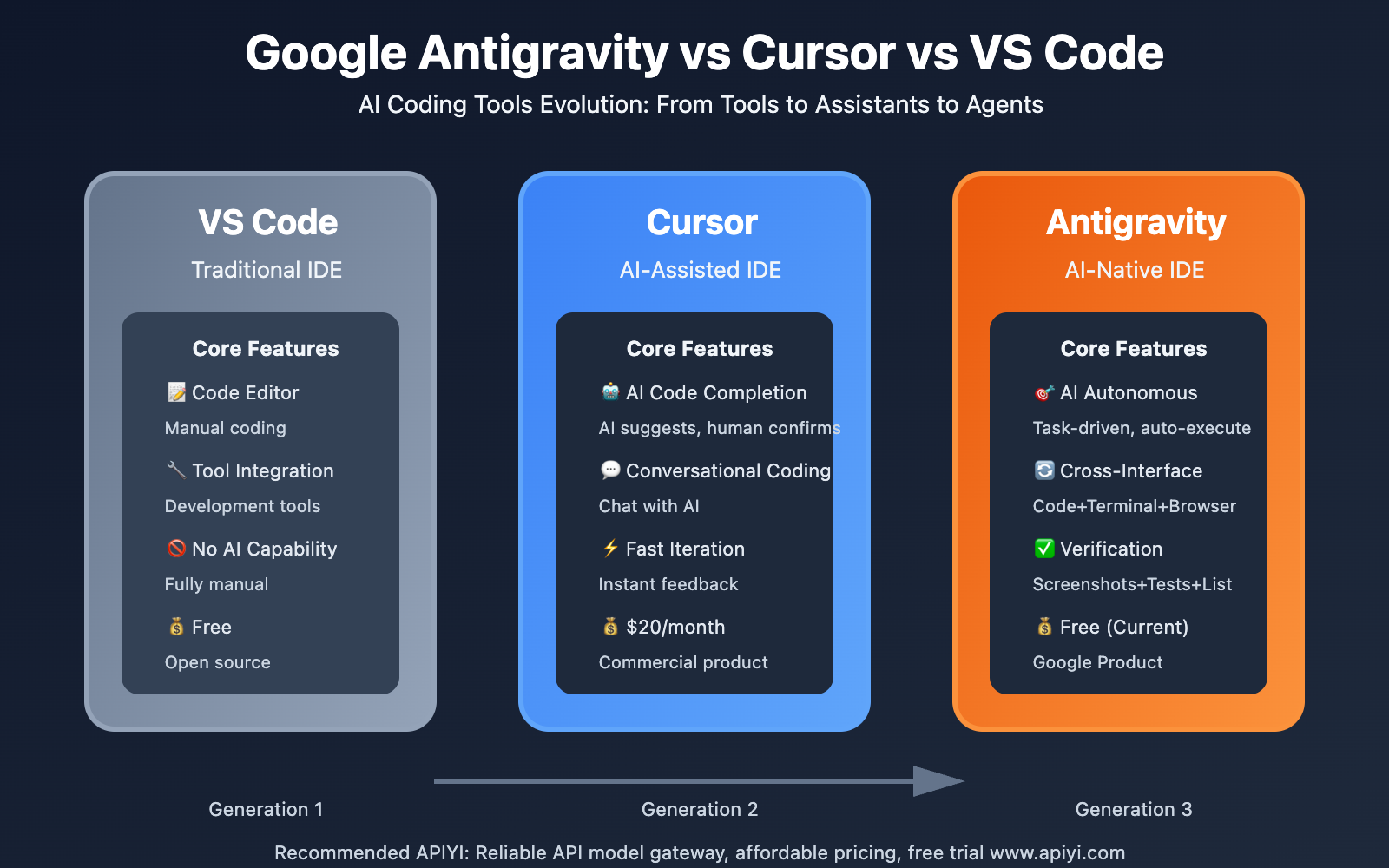
One of the best features is the built-in API proxy. It converts Antigravity’s API into OpenAI-compatible format, so you can use your rotated accounts with Claude Code, Continue.dev, or any other AI coding tool .
Set the base URL to http://127.0.0.1:8045/v1 and use any API key. The manager handles account rotation in the background. When one account hits its limit, your request automatically routes to the next available account without you noticing.
This is perfect for teams — one manager instance can serve multiple developers through the local proxy.
Frequently Asked Questions
📌 Quick Summary
Antigravity Manager lets you bypass Google’s strict quota limits by automatically rotating multiple Google accounts when one runs out of tokens.
The dual-limit system (5-hour sprint + 7-day weekly cap) makes single-account usage nearly impossible for serious work.
Download Antigravity Manager from GitHub, add 5+ accounts, enable auto-switching, and never worry about 7-day lockouts again.