


One UI 9 on Galaxy S26: Release Date, New Features & Everything You Need to Know
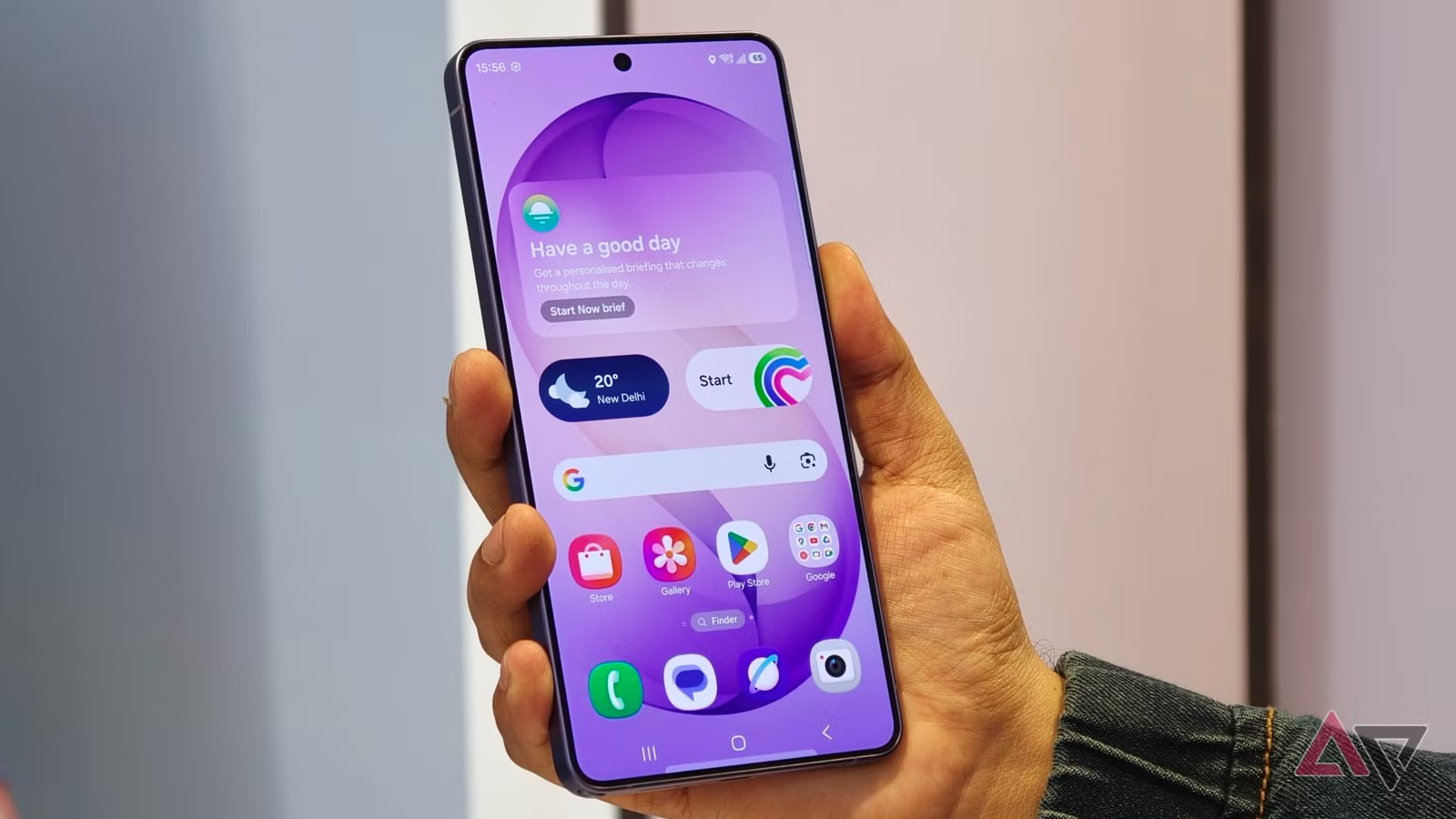
Samsung’s One UI 9 is coming, and it’s bringing Android 17 with a fresh glassy design to your Galaxy S26.
If you just bought the Galaxy S26 or S26 Ultra, you’re running One UI 8.5 right now. But Samsung is already cooking the next big update. One UI 9 is based on Android 17 and brings new AI tricks, cleaner settings menus, and a more polished look. Let me break down what’s coming and when you can expect it on your phone.
What You’ll Learn
- One UI 9 release timeline and beta program details for Galaxy S26
- New “glassy” UI design with thicker brightness and volume sliders
- AI-powered photo editor with smart suggestion pills
- Revamped About Phone screen that actually makes sense
- Android 17 features coming to Galaxy devices
What’s New in One UI 9?
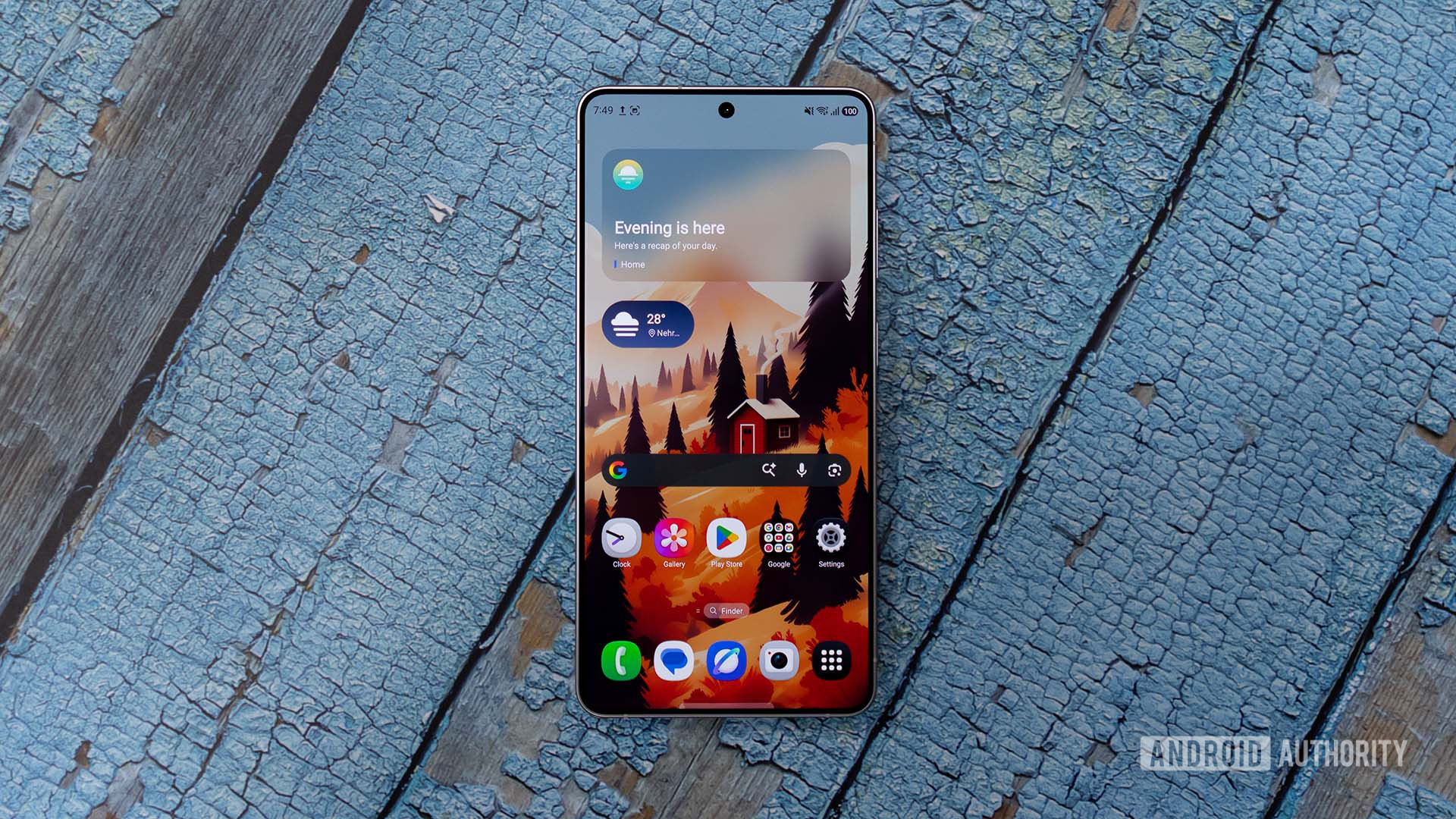
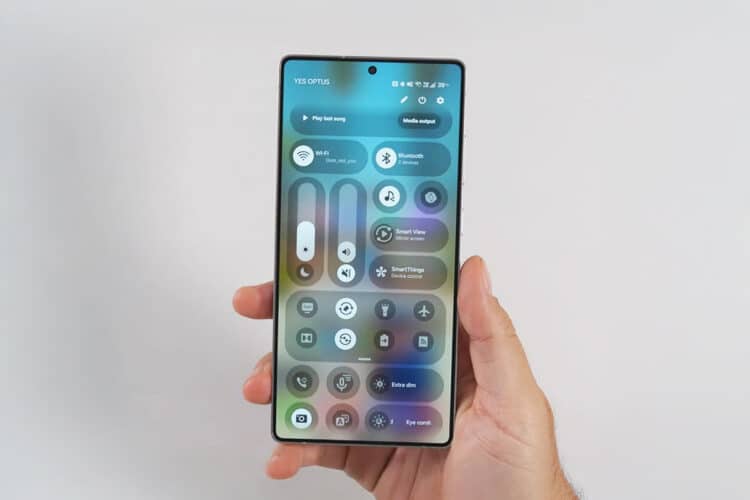
One UI 9 isn’t a complete redesign like we saw with One UI 7. Instead, it’s a polish update that fixes annoying things Samsung users have complained about for years. The biggest visual change is the “glassy” effect — deeper blur effects across the interface that make everything look more premium.
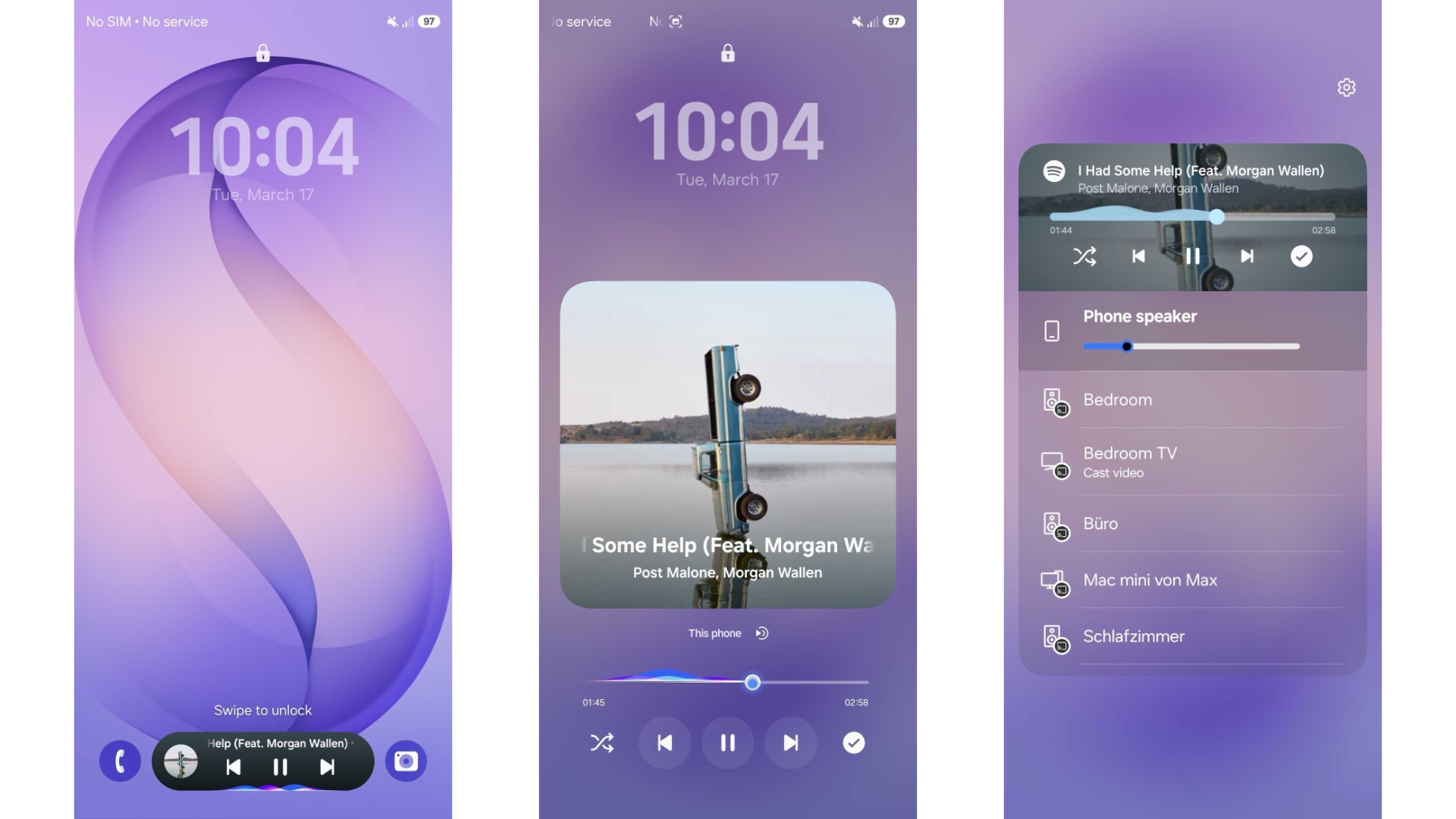
The lock screen media player gets colorful waveform animations. Media controls now appear as circular buttons instead of being stuck inside rounded rectangles. Small changes, but they add up to a cleaner look.
- Thicker brightness and volume sliders
- Glassy blur effects throughout the UI
- Improved lock screen media widget
- Settings search bar with new expansion animation
💡 Quick heads up: — One UI 9 is built on Android 17, which means you get system-level improvements like floating app bubbles, better satellite connectivity, and a new contacts picker that doesn’t give apps your entire phonebook.
Galaxy S26 One UI 9 Release Date
Here’s the timeline Samsung is likely following. The Galaxy S26 series launched with One UI 8.5 in February 2026. One UI 9 is expected to hit stable release in mid-2026, probably July or August.
The Galaxy Z Fold 8 and Z Flip 8 will likely be the first devices with One UI 9 out of the box. For your Galaxy S26, expect the beta program to open around late May or early June 2026. The stable update should reach S26 users by September 2026.
Samsung usually tests beta builds internally first. Leaks show the S26 Ultra already has test builds running with version numbers like S948BXXU1BZC5. Cashify reports that public beta is coming soon.
How to Join One UI 9 Beta on Galaxy S26
Want to try One UI 9 before everyone else? Here’s how the Samsung Beta Program usually works:
- Check Samsung Members App — Open the Samsung Members app on your Galaxy S26. This is where beta announcements appear first.
- Register Your Device — When beta opens, you’ll see a “One UI 9 Beta Program” banner. Tap it and register your phone.
- Download the Update — Once approved, go to Settings > Software Update > Download and Install. The beta will appear.
- Backup First — Beta software can have bugs. Use Samsung Cloud or Smart Switch to backup your data before installing.
- Give Feedback — Samsung wants bug reports. Use the Members app to report issues you find.
AI Features Coming to One UI 9
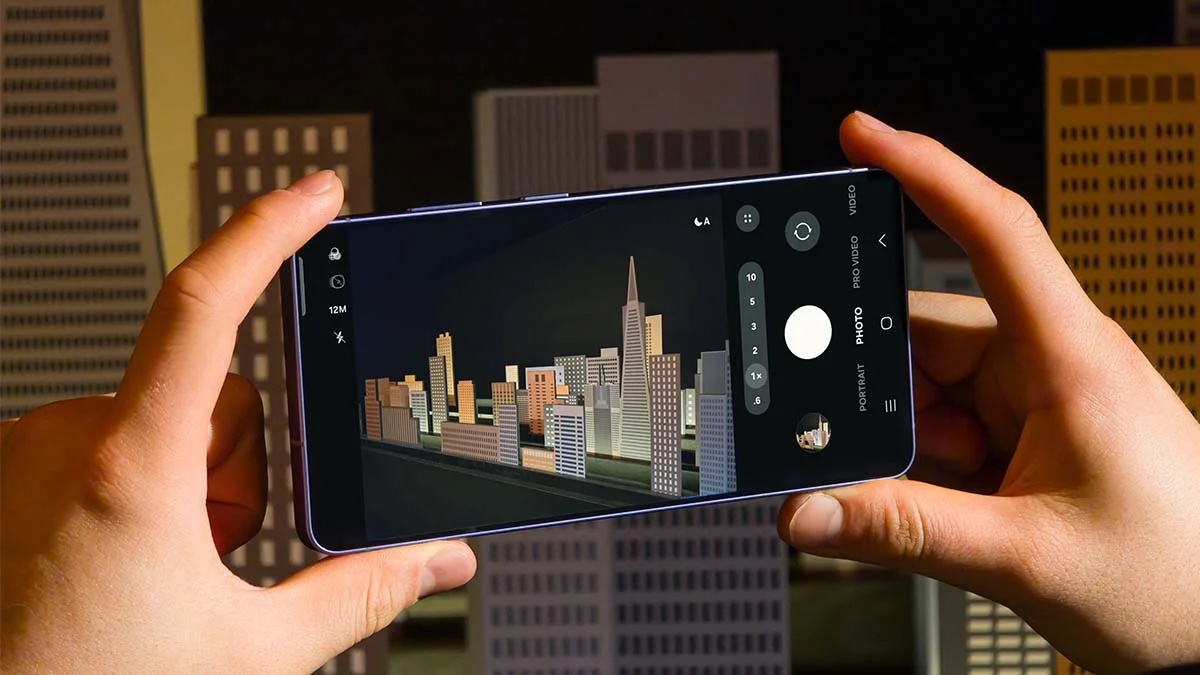
Samsung is pushing hard on AI, and One UI 9 brings smarter features. The AI Photo Editor now shows suggestion pills above the editing area. These are context-aware shortcuts that suggest edits based on what you’re working on.
There’s also an “Ask AI” tool built into Samsung Internet browser. Think of it like having Gemini built right into your browser window. The Galaxy S26 already has Call Screening, and One UI 9 might bring this to older phones too.
- AI photo suggestions in the default editor
- Ask AI in Samsung Internet
- Advanced Audio Eraser for videos
- Enhanced Photo Assist features
Common Mistakes People Make
- Expecting immediate updates — Samsung rolls updates in phases. Don’t panic if your friend gets One UI 9 before you.
- Not backing up before beta — Beta software can crash or lose data. Always backup first.
- Ignoring battery drain in beta — Early beta builds often have worse battery life. This gets fixed in later builds.
- Thinking all features work immediately — Some AI features need server-side updates and might not work on day one.
⚡ Pro Tips That Actually Work
- Join the Samsung Members community early — beta slots sometimes fill up fast
- Free up at least 5GB storage before installing any major update
- Disable battery optimization for Samsung Members app to get notifications immediately
- Check XDA Developers forums for manual download links if you miss the beta registration
About Phone Gets a Much-Needed Fix
Finally, Samsung is fixing the About Phone screen. Right now in One UI 8.5, you open Settings > About Phone and see a giant image of your phone taking up half the screen. It’s useless.
One UI 9 moves that phone image to a small corner. The rest of the space shows your model number, serial number, and device name clearly. Android Police confirms this change is coming. It’s a small thing, but shows Samsung is finally listening to user feedback.
Frequently Asked Questions
📌 Quick Summary
One UI 9 is Samsung’s next major update for Galaxy S26, built on Android 17 with a mid-2026 release timeline.
The update brings glassy UI effects, an AI-powered photo editor, revamped About Phone screen, and Android 17’s floating app bubbles.
Galaxy S26 users can expect beta access around May-June 2026, with stable release following by September 2026.